Pickleball Tournament Check-In Flow: Get Players Ready Without Delays
A practical pickleball tournament check-in workflow for confirmations, waivers, fees, partner questions, court directions, and a smoother start.
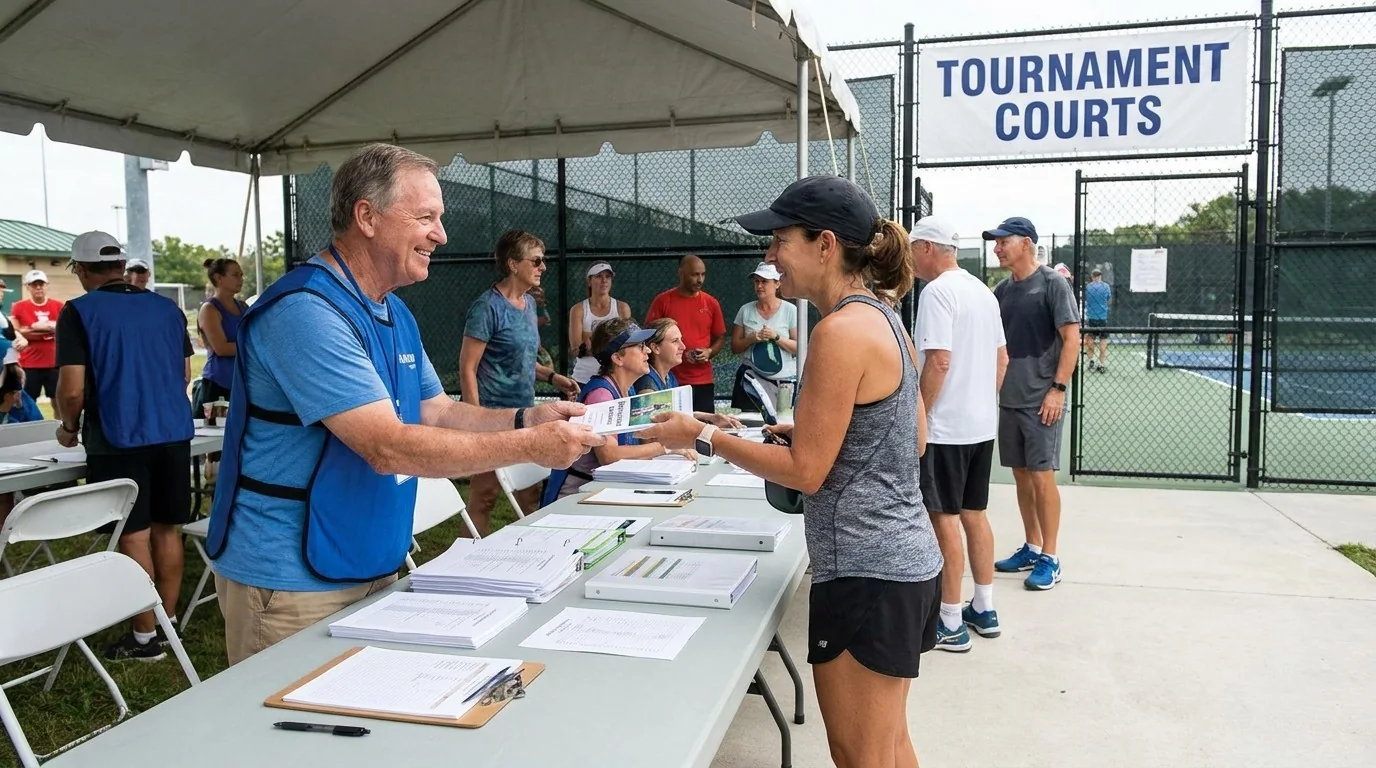
Tournament check-in works best when every player follows the same short path from arrival to ready-to-play. The goal is not to keep the registration table busy. It is to confirm the entry, settle questions, collect anything still missing, and send players toward the correct court before the first bracket is called.
Prepare the check-in path before players arrive
Set up one visible desk or station near the entrance. Keep the player list, schedule, waiver information, payment status, court map, pens, spare paper, and wristbands or other event identifiers together. Put signs at the entrance so players know where to check in, where to wait, and where to find courts, restrooms, water, and first aid.
Before opening the desk, confirm that the posted schedule matches the current event format. Check that the courts are ready, nets are in place, balls are available, and volunteers know who handles registration questions, court directions, partner issues, and safety concerns. A short role briefing prevents every question from landing on one person.
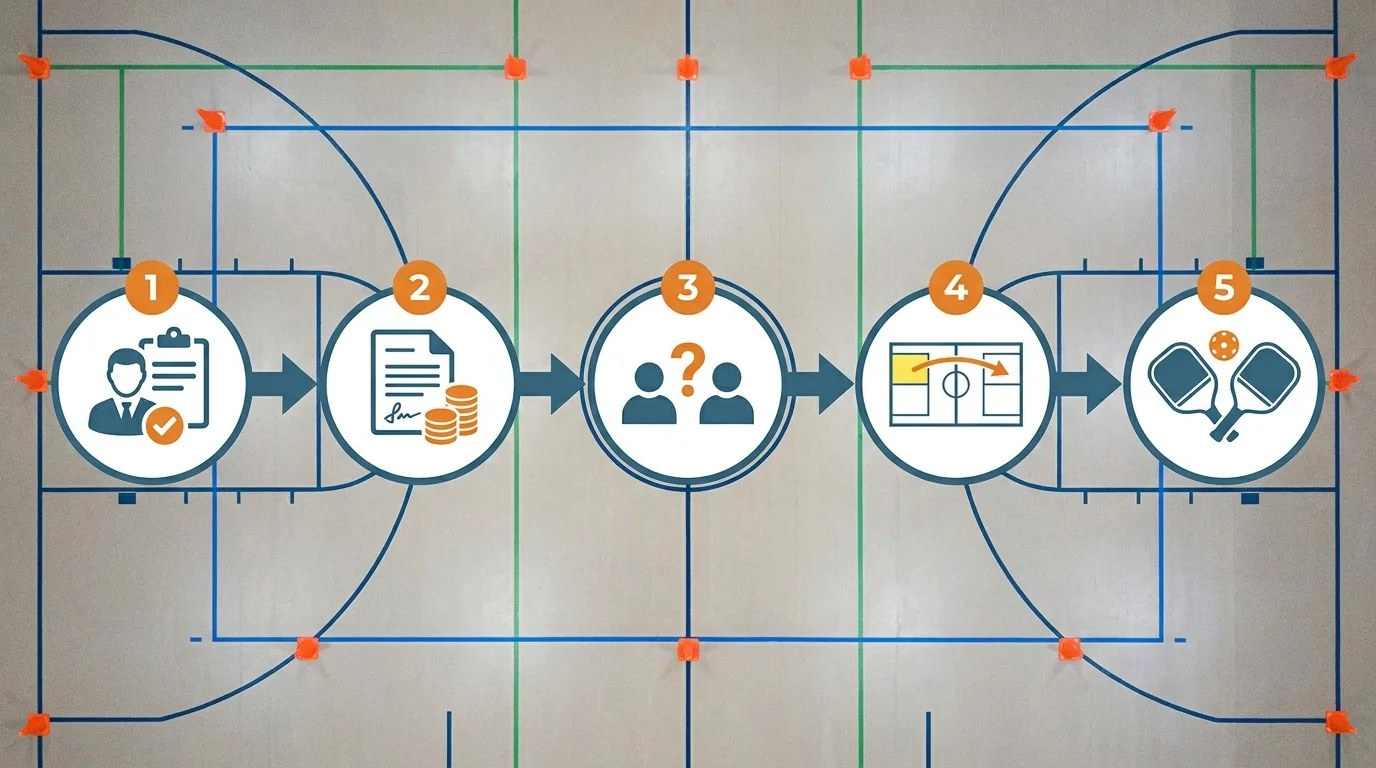
Use the same five-stage check-in sequence
- Find the player. Ask for the name and event. Mark the arrival on the current list rather than relying on memory. If the player is not listed, send them to the registration lead instead of making an improvised promise.
- Confirm the essentials. Check the event, partner information when relevant, registration status, and any required waiver. If a fee or form is missing, explain the next step clearly and direct the player to the person authorized to resolve it.
- Answer the immediate question. Players may need to know where to warm up, when their event begins, where brackets will appear, or how to find a partner. Keep the answer short and point to the written information when possible.
- Give the player a way to follow the event. Provide the correct court or waiting information, explain how players will be called, and identify where schedule or bracket updates will appear. Do not send a player to a court until the court assignment is current.
- Release the player toward play. Once the check is complete, the player should know where to go, what time to be ready, and whom to ask if the situation changes. Keep the desk clear for the next arrival.
Handle common delays without blocking the line
A missing partner, payment question, waiver, or event change deserves attention, but it should not stop every other player. Use a marked question area or a second volunteer for cases that need research. The check-in volunteer can record the name, describe the issue, and move the next confirmed player through the queue.
If a player has not arrived, follow the event’s published communication and replacement policy rather than inventing a new one at the desk. Keep the registration lead informed about no-shows, late arrivals, and changes that affect brackets. Registration software can help with confirmations and player information, but the team still needs a human process for exceptions.
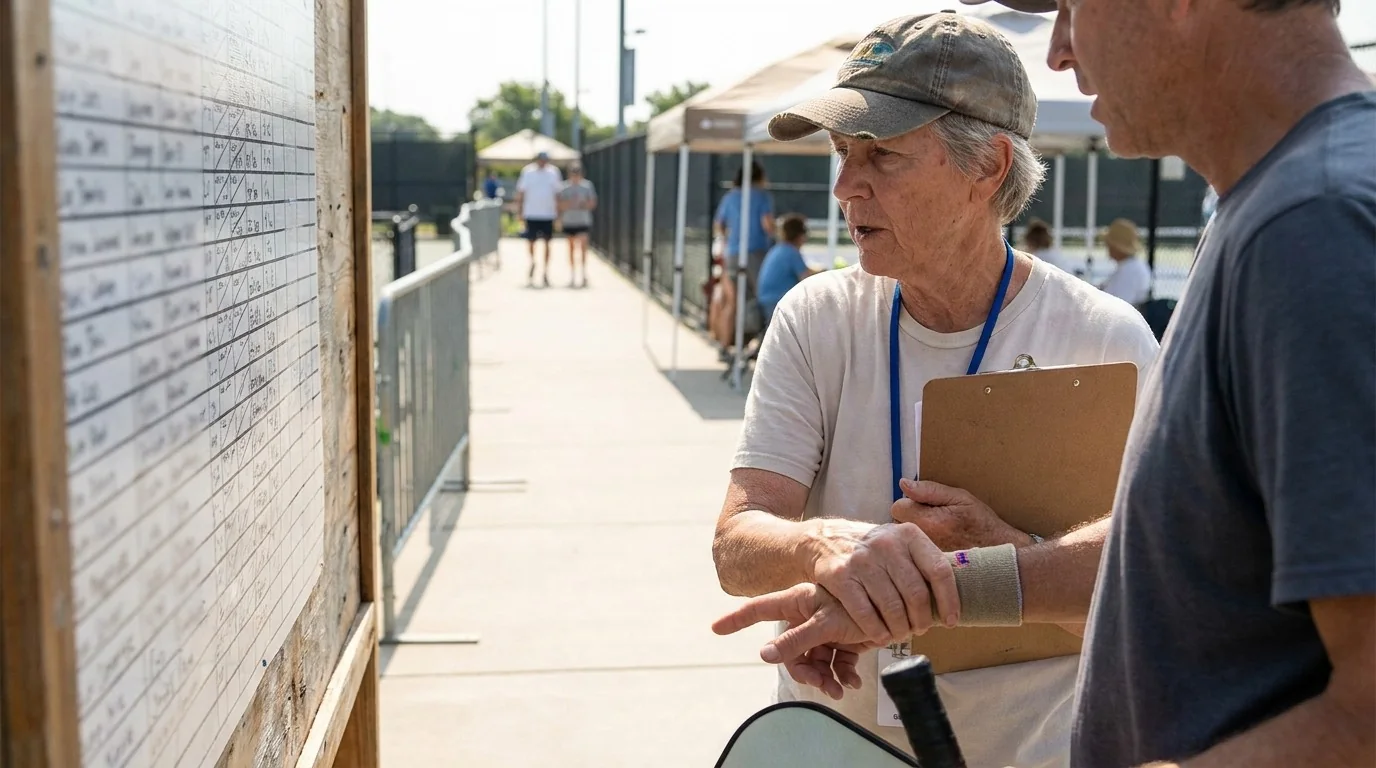
Connect check-in to an on-time start
Check-in is finished only when players can move into the event safely and understand what happens next. Give players enough notice to warm up and be near the correct court. Keep announcements concise, update the posted schedule when something changes, and tell waiting players whether the delay affects their event or only another court.
Before the first games, confirm that score sheets or the event system are ready, officials or court leads know their assignments, and players understand where to report. If weather, a court problem, or an injury changes the plan, use one communication channel and repeat the updated instruction at the desk and near the courts.
A quick volunteer checklist
- Current player list and event schedule are available.
- Waiver and payment questions have a clear owner.
- Partner and no-show issues are recorded, not guessed at.
- Court, warm-up, restroom, water, and first-aid directions are visible.
- Players know where updates and brackets will be posted.
- A second person can handle exceptions while the main line moves.
- Late changes are announced consistently to players and court staff.
- The check-in desk does not block an entry route or active court area.
A calm check-in gives the tournament a better start because players receive the same information in the same order. Prepare the station, verify each arrival, separate routine checks from exceptions, and connect every player with a clear next place and time.